Streaming TTS directly to the browser with Web Audio API
Stream Speechify TTS as raw PCM, keep the API key server-side, and schedule each chunk into the browser's Web Audio API for low-latency playback.

Streaming TTS browser Web Audio playback works best when you ask Speechify for raw PCM, read the response body as a stream, and queue each chunk into an AudioContext. Do not call Speechify from browser JavaScript. Put a small server proxy in front of POST /v1/audio/stream, keep SPEECHIFY_API_KEY there, and let the browser fetch your same-origin stream.
I built the runnable version for this post in demos/web-audio-streaming. It is a plain Node server plus one HTML page, not a framework sample, because the point is the audio pipeline: streamed bytes become samples, samples become AudioBuffers, and those buffers are scheduled back to back while the network response is still arriving. You’ll need a synth-capable Speechify key to run it. Create one here if you do not have one yet.
The streaming TTS browser Web Audio path
There are three moving pieces:
- A browser page posts text to your own
/v1/audio/streamroute. - The Node route forwards that body to
https://api.speechify.ai/v1/audio/streamwithAuthorization: Bearer ${SPEECHIFY_API_KEY}andAccept: audio/pcm. - The browser reads the same-origin response stream and turns each raw PCM chunk into a scheduled
AudioBuffer.
The key stays on the server. The browser never sees it, and the proxy does not buffer a whole file before responding. In my verification run this curl request against the local proxy returned a 200 with a real PCM body, so the browser demo was fed by real streamed audio bytes rather than a fixture (my original run on Simba 1.6 downloaded 92,480 bytes; simba-3.2 renders different audio, so your size_download will differ):
curl -s -o /tmp/webaudio.pcm -w "%{http_code} %{size_download}\n" \
  -X POST http://localhost:8766/v1/audio/stream \
  -H "Content-Type: application/json" \
  -H "Accept: audio/pcm" \
  -d '{"input":"Streaming into the browser.","voice_id":"geffen_32","model":"simba-3.2"}'
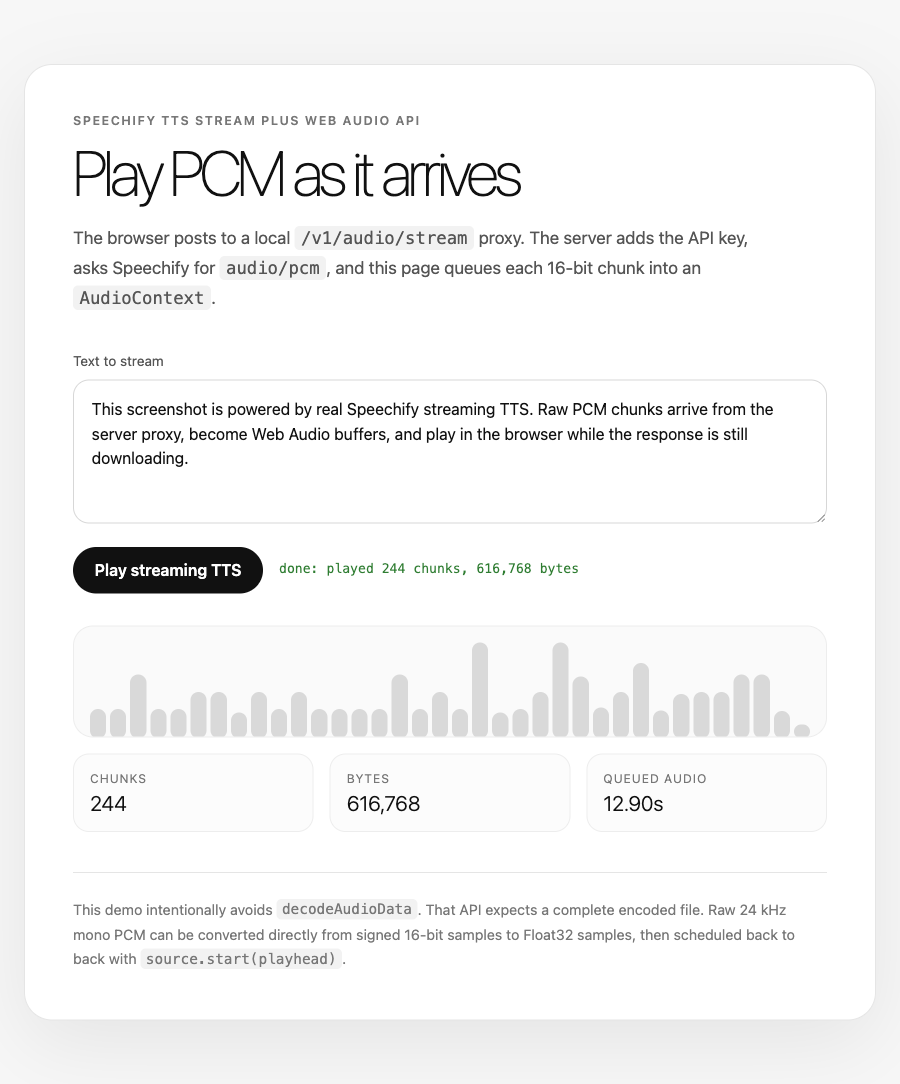
The working UI is deliberately small: text in, one button, status and counters out.
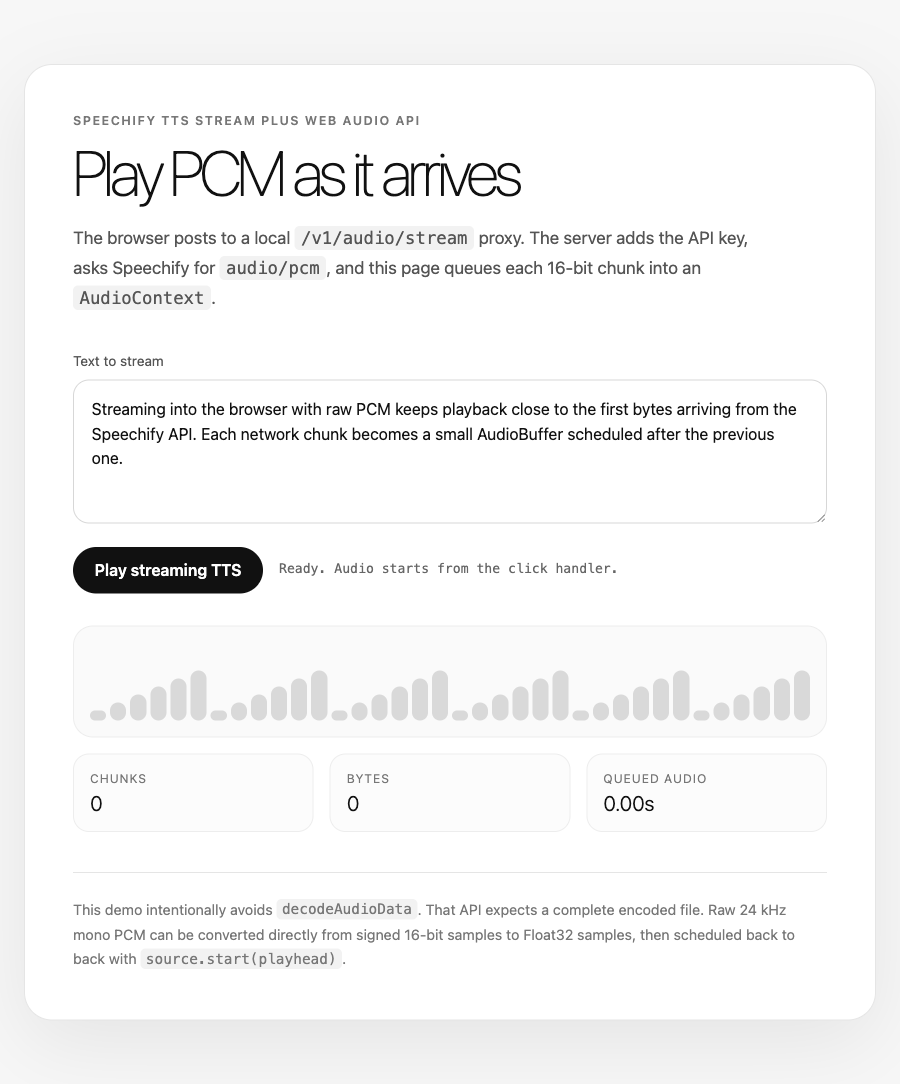
AudioContext path. Playback has to begin from the click handler, which keeps it inside browser autoplay rules.Why request audio/pcm instead of MP3?
AudioContext.decodeAudioData is the tempting API, but it is the wrong tool here. It decodes a complete encoded asset: a whole MP3, AAC, Ogg file, or WAV. It is not a streaming MP3 frame decoder, so handing it partial chunks from the network is where most browser TTS demos fall over.
Raw PCM avoids that whole class of problems. Speechify’s Accept: audio/pcm response is 16-bit signed PCM at 24 kHz, mono. There is no container header to wait for and no MP3 frame boundary to reconstruct. You can take any even number of bytes, interpret them as little-endian signed 16-bit samples, convert those samples to floats in [-1, 1), and hand them to Web Audio.
const SAMPLE_RATE = 24_000;

function schedulePcm(ctx: AudioContext, bytes: Uint8Array, playhead: number) {
  const sampleCount = bytes.length / 2;
  const buffer = ctx.createBuffer(1, sampleCount, SAMPLE_RATE);
  const channel = buffer.getChannelData(0);
  const view = new DataView(bytes.buffer, bytes.byteOffset, bytes.byteLength);

  for (let i = 0; i < sampleCount; i++) {
    channel[i] = view.getInt16(i * 2, true) / 32768;
  }

  const source = ctx.createBufferSource();
  source.buffer = buffer;
  source.connect(ctx.destination);

  const startAt = Math.max(playhead, ctx.currentTime + 0.03);
  source.start(startAt);
  return startAt + buffer.duration;
}
That return value matters. The browser is not “playing the stream” as one object. You are scheduling many small buffers onto the same clock. Each source starts where the previous buffer ends.
The proxy route is boring on purpose
The demo server follows the same shape as the captions demo’s proxy. It serves static HTML and forwards one POST route upstream with the key added server-side:
const upstream = await fetch("https://api.speechify.ai/v1/audio/stream", {
  method: "POST",
  headers: {
    Authorization: `Bearer ${process.env.SPEECHIFY_API_KEY}`,
    "Content-Type": req.headers["content-type"] ?? "application/json",
    Accept: req.headers.accept ?? "audio/pcm",
  },
  body,
});

res.writeHead(upstream.status, {
  "content-type": upstream.headers.get("content-type") ?? "audio/L16",
  "cache-control": "no-store",
});

for await (const chunk of upstream.body ?? []) {
  res.write(Buffer.from(chunk));
}
res.end();
No SDK is required for the demo. The SDK v3 stream helper is there if you want it in an app, but the browser should still call your route, not Speechify directly. A public fetch("https://api.speechify.ai/...") means the key is public too.
The demo uses voice_id: "geffen_32" with model: "simba-3.2", one of its built-in English voices. Any English catalogue voice works the same way — geffen_32 is just the example the demo ships with. The Simba 3.2 leaderboard post has the model context, but the implementation here does not depend on that model.
How do you handle chunk boundaries?
PCM samples are 2 bytes. Network chunks do not care about your sample size, so a chunk can end with the first byte of a sample and leave the second byte for the next read. If you decode that first chunk as-is, every sample after the split is misaligned and the output turns into noise.
The fix is a one-byte carry. Prepend whatever was left from the previous read, schedule only the even byte count, and save the odd byte for the next loop:
let carry = new Uint8Array(0);

while (true) {
  const { done, value } = await reader.read();
  if (done) break;

  const merged = new Uint8Array(carry.length + value.length);
  merged.set(carry);
  merged.set(value, carry.length);

  const usable = merged.length - (merged.length % 2);
  playhead = schedulePcm(ctx, merged.subarray(0, usable), playhead);
  carry = merged.subarray(usable);
}
That is the tiny detail that makes the rest of the code safe. It is easy to miss because most chunks will happen to be even. The one that is not will wreck the stream if you ignore it.
Starting audio from a click
Browsers block audio that starts without a user gesture. Create or resume the AudioContext inside the click handler before starting the fetch:
button.addEventListener("click", async () => {
  const ctx = audioContext ?? new AudioContext({ sampleRate: 24_000 });
  audioContext = ctx;
  if (ctx.state === "suspended") await ctx.resume();

  const res = await fetch("/v1/audio/stream", {
    method: "POST",
    headers: {
      "Content-Type": "application/json",
      Accept: "audio/pcm",
    },
    body: JSON.stringify({
      input: textarea.value,
      voice_id: "geffen_32",
      model: "simba-3.2",
    }),
  });

  const reader = res.body?.getReader();
  if (!reader) throw new Error("No stream returned");
});
That is also why the demo has a button rather than starting on page load. The user gesture unlocks the audio device. After that, the fetch can stream and the queued buffers will play.
Where this pattern fits
Use this when you need playback to start before synthesis has finished. Voice agents, read-aloud interfaces, assistive reading tools, tutoring flows, and preview buttons in content tools all benefit from hearing the first chunk quickly rather than waiting for a finished MP3.
If you are generating audio for later use, write a file. The Python streaming post and Node.js TTS post cover that server-side shape. If you need captions while the audio streams, use POST /v1/audio/stream/with-timestamps, which streams audio chunks and word-level speech marks together; for captions on a finished clip, the non-streaming speech endpoint in the speech marks post returns them with the file.
Once audio is in an AudioContext, you can add the browser features people usually reach for next: a volume GainNode, an AnalyserNode for a waveform, a mute button, or cancellation when a newer utterance supersedes the current one. The queueing model stays the same.
The full streaming parameter surface, including audio/mpeg, audio/ogg, and audio/aac, is in the Speechify docs. MDN’s Web Audio API guide is the browser-side reference.
FAQ
Can I stream Speechify TTS straight from browser JavaScript?
You should not. The request needs Authorization: Bearer ${SPEECHIFY_API_KEY}, and any key used in browser JavaScript is visible to users. Put a server route in front of Speechify, read the key from server environment, and forward the streamed bytes. The browser-side Web Audio code still reads a normal ReadableStream.
Why does the demo use PCM instead of audio/mpeg?
PCM is simple to schedule chunk by chunk. MP3 is encoded audio, and decodeAudioData expects the complete file rather than arbitrary partial chunks. Speechify’s PCM stream is 24 kHz mono 16-bit audio, so each even byte count can become samples immediately. That is what keeps the playback path small.
What sample rate should the AudioBuffer use?
Use 24_000 for Speechify audio/pcm, because the stream is 24 kHz mono. The AudioContext may run at the device’s native rate, but ctx.createBuffer(1, sampleCount, 24_000) describes the buffer correctly and the browser handles output to the device.
Why is there a carry byte between chunks?
Each PCM sample is 2 bytes, but a network chunk can have an odd length. Saving the final odd byte and prepending it to the next chunk keeps samples aligned. Without that carry, one split sample shifts every later byte pair and the result sounds broken.
Does the streaming endpoint return speech marks too?
Yes, from its timestamped variant. POST /v1/audio/stream/with-timestamps streams audio chunks and word-level speech marks together; the plain POST /v1/audio/stream this post uses returns raw audio bytes only. For captions on a finished file, POST /v1/audio/speech returns speech_marks.chunks in its JSON response. The captions post walks that path.
This post is narrated by Harper on Simba 3.5 through our text to speech API. How the player works: add read-aloud to your docs and turn speech marks into captions.